
You’ve spent weeks designing and developing your website. Everything looks good, the pages are ready, and you’re excited to finally launch.
But before you hit publish, there’s one important question:
Is your website actually ready for visitors?
A website can look beautiful and still have broken contact forms, slow-loading pages, missing SEO settings, or security vulnerabilities.
These issues can cost your business potential customers before you’ve even started.
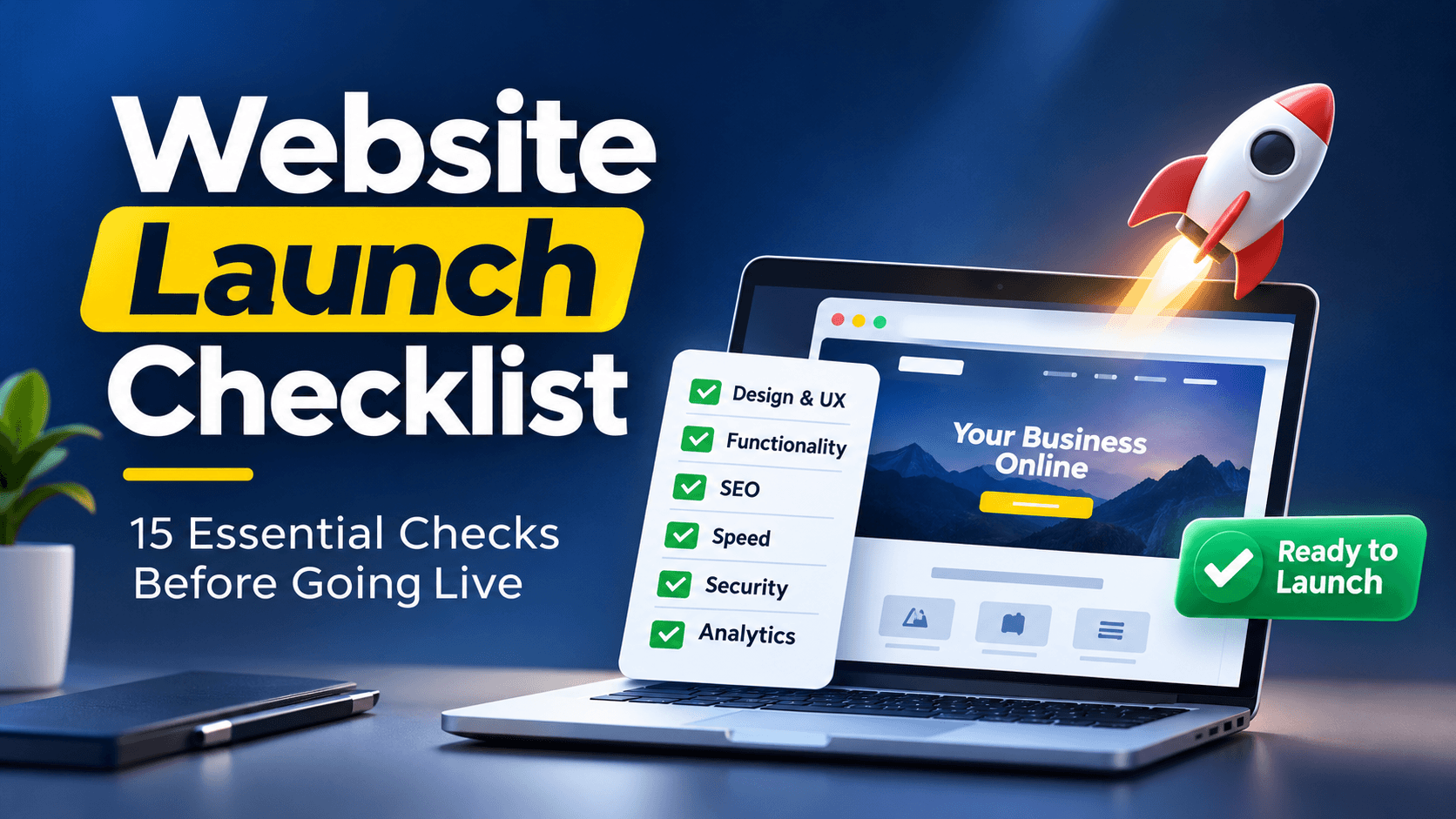
That’s why we’ve created this simple website launch checklist to help you review the most important things before taking your website live.
Whether you’re launching a WordPress website, an online store, or a corporate website, these 15 checks will help you avoid common mistakes.
1. Check Your Domain and Hosting
Your domain and hosting are the foundation of your website. Before launching, make sure everything is properly configured.
- Your domain points to the correct hosting server.
- Your SSL certificate is active and your website uses HTTPS.
- Your hosting is reliable, with backups enabled.
Quick tip: If you’re moving from an existing website, confirm that your business email and DNS records won’t be affected.
Related reading: Best Hosting for Nigerian Websites.
2. Test Your Website Design and Functionality
A website shouldn’t just look good. It should be easy to navigate and work properly across different devices.
- Your website displays correctly on mobile, tablet, and desktop.
- All buttons, navigation links, and contact forms work.
- Your content, images, and contact details are accurate.
Quick tip: Open your website on your phone and try using it like a first-time visitor. Can you easily understand what the business offers and how to get in touch?
3. Complete Your Basic SEO Setup
Search engine optimization helps Google discover and understand your website.
You don’t need to complete an entire SEO campaign before launch, but the essentials should be in place.
- Important pages have unique SEO titles, meta descriptions, and clear headings.
- Your website has an XML sitemap, appropriate indexing settings, and working internal links.
- Google Search Console is configured so you can monitor indexing and search performance.
Quick tip: If you’re using WordPress, check Settings → Reading to ensure you haven’t accidentally enabled the option that discourages search engines from indexing your live website.
Related reading: The Complete Small Business SEO Guide for Nigeria.
4. Check Website Speed and Security
A slow or insecure website can frustrate visitors and damage customer trust.
- Your important pages load reasonably fast on mobile devices.
- Your website software, plugins, and themes are updated, and administrator access is secured.
- Your backups are working and you know how to restore the website.
You can test your website using Google PageSpeed Insights.
Quick tip: Large images, unnecessary plugins, and poor hosting are common causes of slow WordPress websites.
5. Set Up Analytics and Test Conversions
Your website should be ready to measure the results it generates for your business.
- Google Analytics 4 is installed and recording visits.
- Your main conversion actions—such as enquiries, bookings, or purchases—are tested.
- Important integrations, including payment gateways or email notifications, work correctly.
Quick tip: Don’t just check whether a contact form displays a success message. Submit a real test enquiry and confirm that the message reaches the correct email address.
What Should You Do on Website Launch Day?
Once you’ve completed the checklist, you’re ready to go live.
Follow these five simple steps:
- Back up your website. Keep a recoverable copy before making production changes.
- Publish your website. Deploy the approved version and confirm your domain works.
- Test the live website. Check important pages, forms, navigation, and checkout where applicable.
- Verify your SEO and analytics. Confirm your website can be indexed and your tracking is working.
- Monitor for problems. Check for errors, broken links, and customer complaints during the first few days.
Don’t rush to announce your launch until you’ve confirmed that your most important features work.
Common Website Launch Mistakes to Avoid
Even experienced developers sometimes overlook small details that create bigger problems.
Some of the most common mistakes include:
- Forgetting to remove noindex settings: This can prevent important pages from appearing in Google.
- Not testing contact forms: You could miss enquiries without realizing it.
- Ignoring mobile responsiveness: A website that works on desktop may be difficult to use on smartphones.
- Launching without analytics: You won’t have reliable data to evaluate performance.
- Forgetting redirects: If you’re redesigning an existing website, changed URLs can create broken links and affect search visibility.
- Not checking business email: Hosting or DNS changes can accidentally interrupt email delivery.
Most of these problems are preventable with a proper pre-launch review.
What Happens After Your Website Goes Live?
Launching your website is only the beginning.
During the first few weeks, pay attention to:
- Performance: Is the website loading properly?
- Search visibility: Is Google discovering and indexing your pages?
- User behaviour: Are visitors navigating and interacting with the website?
- Conversions: Are you receiving enquiries, bookings, or sales?
- Maintenance: Are backups, updates, and security checks being handled?
Your website should continue improving based on how people actually use it.
Related reading: How Long Does SEO Take?
Frequently Asked Questions
What should I check before launching a website?
Check your domain, hosting, SSL, mobile design, content, forms, SEO settings, page speed, security, backups, and analytics. Also test the actions customers are expected to complete.
Do I need SEO before launching my website?
Yes. Basic SEO settings should be completed before launch, including page titles, headings, indexing settings, internal links, and an XML sitemap.
How do I know if my website is ready to launch?
Your website is ready when its important pages and features work correctly, content has been approved, security and backups are in place, and visitors can complete the actions the website was built for.
Can I launch my website myself?
Yes. Platforms like WordPress, Shopify, and website builders make it possible to launch a website yourself. However, complex websites may benefit from professional testing and deployment support.
What should I do after launching my website?
Monitor performance, check Google Search Console, review analytics, test forms and transactions, and fix any problems discovered by real users.
Final Thoughts: Don’t Just Launch a Website. Launch One That Works.
A successful website launch isn’t simply about making your website available online.
It’s about ensuring visitors can find it, navigate it, trust it, and take meaningful action.
This website launch checklist covers the essentials, but remember that every website is different. An online store, for example, will require additional payment, shipping, and checkout testing.
The goal isn’t just to have a website that looks good. It’s to have one that works for your business.
Need Help Launching Your Website?
At Droparena Global Ltd (DRAG), we help businesses plan, design, develop, launch, and maintain websites that support real business goals.
From website design and hosting to SEO, performance optimization, and technical consulting, we focus on building digital solutions that do more than simply look good.
Planning a website launch or redesign?
Visit DRAG to discuss your project and find out how we can help you launch with confidence.